Google Business Profile Audit - A Step-by-Step Checklist
A complete Google Business Profile audit organizes your data, builds credibility, and increases calls, direction requests, and visits. Do it in 10 steps!

Table of contents
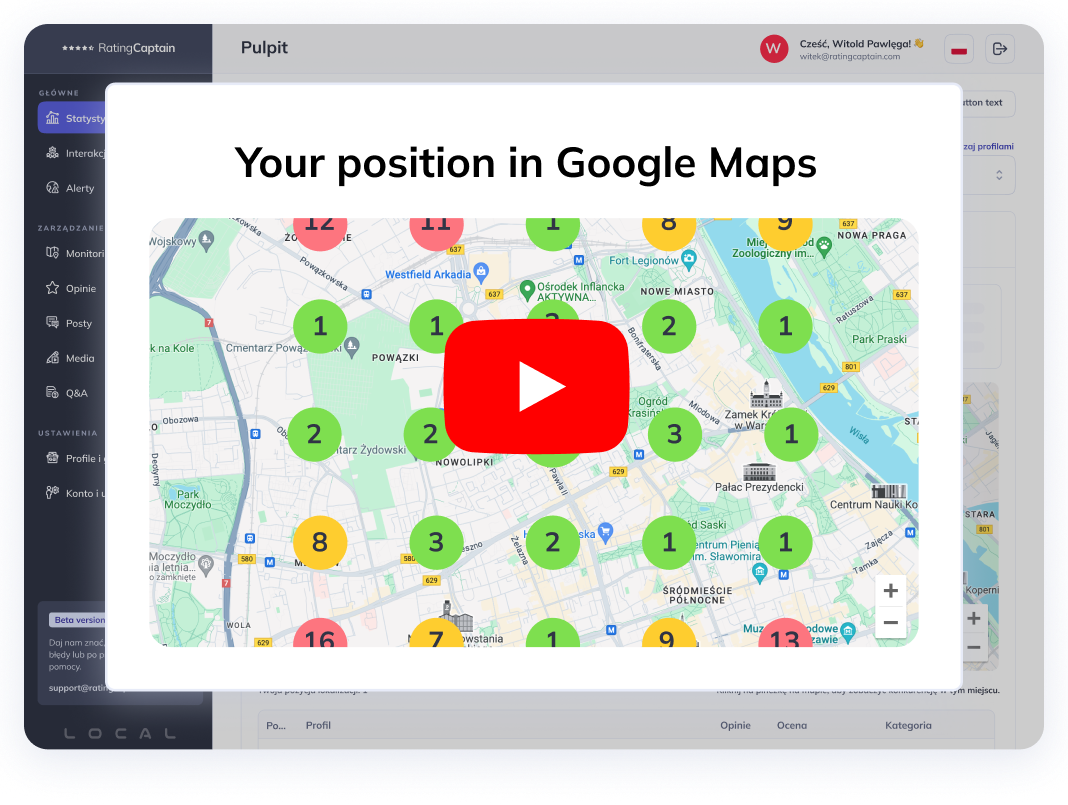

Local SEO-Werkzeug für Agenturen
Automatisieren Sie Ihr lokales SEO und verfolgen Sie die Sichtbarkeit in Google Maps
Your Google Business Profile (formerly Google My Business) is often the first point of contact between customers and your brand - more visible than your website and more influential in the decision-making process. This is where users check opening hours, reviews, photos, and directions, and where the algorithm evaluates the quality and accuracy of your local presence. A regular audit helps clean up data, eliminate errors, and strengthen trust, which directly improves visibility in Google Maps and boosts conversions. A structured step-by-step review makes it easy to detect missing information, weak content, and inactivity that may have been limiting your local ranking.
Step 1: Verify Core NAP Data
Consistency of NAP (Name, Address, Phone) is the foundation of local SEO - Google uses it to verify business identity and match your profile to relevant local searches. Even small inconsistencies in street names or phone numbers across your website, directories, and profile can reduce algorithmic trust. Cleaning up NAP improves your chance of appearing in the Local Pack and prevents ranking signal dilution. Make sure all contact points use the same, up-to-date information.
- Check that your business name is identical across your website, Google Business Profile and directories (without marketing add-ons).
- Verify your full address: street, number, postal code, city - in one consistent format.
- Use a primary, active phone number with a local prefix.
- Add a business-domain email address (e.g., [email protected]).
- Ensure the profile link leads to the correct landing page (e.g., specific branch / location).
Step 2: Review Business Categories and Attributes
Your chosen categories determine which local search queries your business can appear for. An incorrect category limits visibility or shows your profile for irrelevant searches. Attributes (e.g., parking, delivery, accessibility) help refine your offer and shorten the customer journey. Regular reviews are essential, especially when your services, model, or seasonality change.
- Select one precise primary category (avoid general terms).
- Add secondary categories that support your core services.
- Fill in attributes: amenities, payment options, accessibility, service types.
- Update attributes whenever your offer changes.
A poorly selected Google Business Profile category can reduce visibility by dozens of percentage points. In local SEO, precision wins - choosing one accurate primary category and complementing it with relevant attributes can dramatically increase your exposure in Google Maps.
- Oskar Mroczka, Local SEO Specialist, Rating Captain
Step 3: Business Description and Keywords
Your description is your "elevator pitch" in local results - it should be clear, unique, and grounded in locality. Vague slogans don’t help users or algorithms understand why they should choose you. Naturally including city, district, and service-related phrases helps match your profile to search intent. Maintain your brand tone and highlight trust-building elements like experience, certifications, or specializations.
- Include natural local keywords (e.g., "hairdresser Warsaw Mokotów").
- Keep it between 250-750 characters: concise, clear, no fluff.
- Add unique value propositions, awards, and specializations.
- Avoid keyword stuffing or empty slogans.
Step 4: Review Photos and Video Content
Your visual layer shapes first impressions and time spent interacting with the profile - both important ranking signals for Google Maps. Authentic, up-to-date photos and short videos present your real offer and service quality. A diverse gallery (interior, team, products, exterior) helps customers visualize the experience. Regular updates strengthen your credibility and signal that your business is active.
- Add a clear profile photo and a visually consistent cover photo.
- Upload photos of your interior, exterior, products / services, and team.
- Maintain quality: good lighting, no distortion filters, proper proportions.
- Add a short video (30-60s) showcasing your offer or customer process.
- Maintain a cycle: at least 1-2 new visual assets monthly.
Step 5: Reviews and Responses
Google Reviews are social proof and one of the strongest factors influencing customers choosing a local business. Users expect not only high ratings but also quality communication - quick, empathetic responses to comments. A steady flow of new reviews and consistent engagement signals to Google that your business cares about customer experience. A solid workflow keeps this process efficient and effective.
- Ensure a steady stream of new reviews (request feedback after visits / purchases).
- Respond to every review: thank for positive ones, resolve issues in negative ones.
- Maintain a personal, specific tone - avoid generic templates.
- Monitor rating trends and recurring topics mentioned by customers.
In local SEO, reviews are not just decoration - they’re one of the most powerful ranking signals. Consistently gathering feedback and responding thoughtfully often determines which business wins in local search results.
- Oskar Mroczka, Local SEO Specialist, Rating Captain
Step 6: Google Business Profile Posts and Updates
Posts act as micro-sales messages directly inside search results. They increase CTR, refresh your profile, and help communicate promotions, news, or schedule changes quickly. Different formats (Offer, Event, Product) allow you to tailor your message to campaign goals. A consistent posting schedule builds user habit and boosts engagement.
- Publish regularly: minimum 2 posts per month (more during seasonal campaigns).
- Use formats such as Offer, Event, Update, Product.
- Add CTAs ("Call Now", "Book", "See Offer") with proper links.
- Include local keywords and specific details (dates, prices, location).
Step 7: Products and Services
The "Products" and "Services" sections help you present key offerings right before conversion. Clear descriptions, prices, and photos shorten decision time and increase actions. Treat these sections like mini product pages - with benefits and calls to action. Regular updates ensure relevance for the season and your current offer.
- Add each product / service with a name, description, price range, and photo.
- Link to relevant landing pages (booking, cart, contact).
- Use clear names with local context when natural.
- Review quarterly: availability, pricing, photos, order.
Step 8: Insights and Analytics
The Insights panel provides data on how users find and interact with your profile. Analyzing queries, actions, and peak times helps optimize content and operational planning. Month-to-month and year-to-year comparisons reveal seasonality and campaign effects. Data is fuel for decisions - not just reporting.
- Check search queries that drive views and clicks.
- Analyze actions: calls, direction requests, website visits.
- Track peak days and hours - use them in planning posts and staffing.
- Compare periods to assess the impact of changes and campaigns.
Step 9: Technical Aspects
The technical performance of your linked website impacts the perceived user experience. Loading speed, security (HTTPS), and mobile responsiveness affect CTR and conversions. LocalBusiness structured data helps Google interpret your information and match it to local intent. NAP consistency between website content and GBP closes the loop of trust.
- Ensure HTTPS, strong Core Web Vitals, and full mobile responsiveness.
- Implement
schema.org/LocalBusinessmarkup (address, phone, hours). - Maintain consistent NAP in content and structured data.
- Link your profile to the most relevant landing page (e.g., specific branch).
Step 10: Audit Schedule and Reporting
An audit is a cyclical process - data gets outdated, offers evolve, and algorithms change. A steady audit rhythm keeps your profile in top condition and prevents visibility drops. Reports with insights and next-step actions ensure continuous improvement. This transforms your profile into a reliable and scalable local acquisition channel.
- Monthly: new photos, posts, review responses, minor fixes.
- Quarterly: categories, attributes, descriptions, products / services review.
- Every six months: full technical, content, and analytics audit (with YoY comparison).
- For multi-location brands: unified checklists and a location-level dashboard.
Why a Google Business Profile Audit Is So Important?
A complete Google Business Profile audit improves data quality, strengthens credibility, and directly impacts calls, directions, and in-store visits. By working through layers - from NAP and content to media, reviews, posts, and technical factors - you create a system that grows stronger over time. Maintain a consistent audit rhythm and document insights, and your profile will become your most effective "digital storefront" in local search. This helps customers find you faster and choose your business more often.
Share this article
Short description (you can edit)
Tip: you can edit the description before sharing on WhatsApp or adding as Facebook quote
Author of the post
SEO Specialist
Tomasz is an SEO specialist with many years of experience in optimizing websites for search visibility. At Rating Captain, he focuses on data analysis, content strategy, and technical SEO. His mission is to connect effective SEO practices with real business goals.
Please rate this article
Local SEO-Werkzeug für Agenturen
Automatisieren Sie Ihr lokales SEO und verfolgen Sie die Sichtbarkeit in Google Maps