A new feature is coming from Google Street View. Try out the next Map Google function.

Table of contents
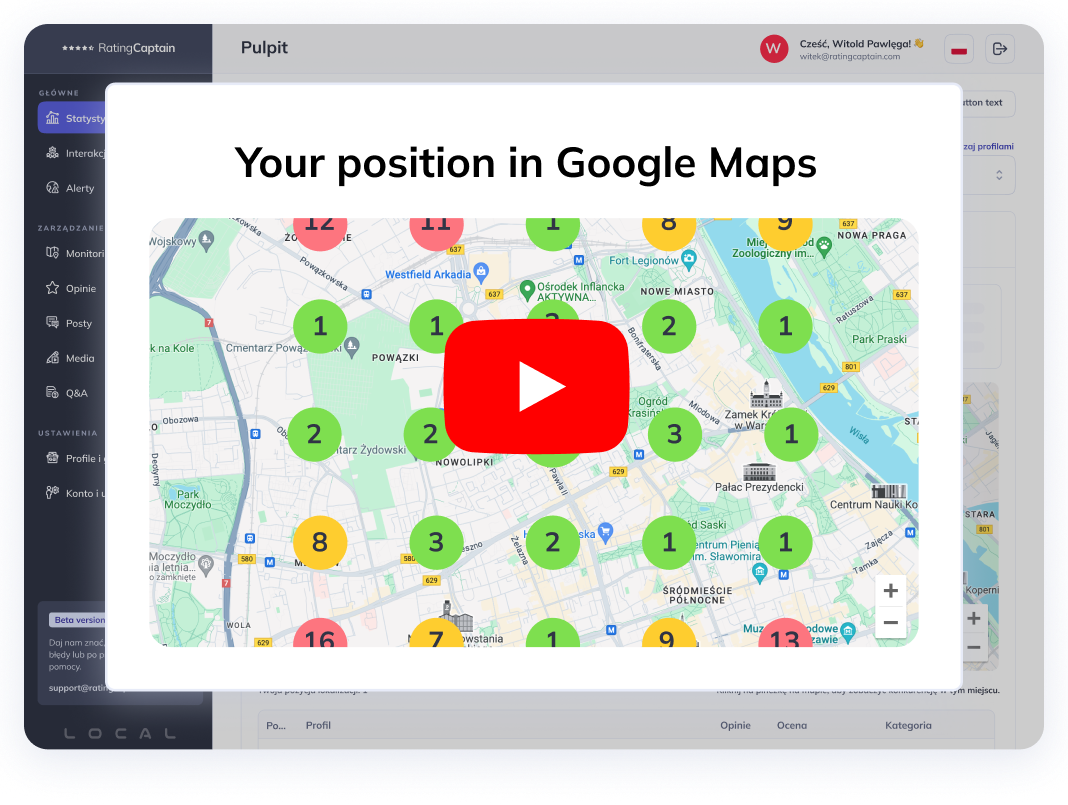

Try our new
Local SEO tool
Manage and track visibility of your
Google Business Profiles
If you are a business owner, remember that presence on Google Maps is a necessity but also a privilege nowadays. Above all, it allows potential customers to obtain the most important information about your business, such as phone number, range of services provided, or location.
Improved visibility among customers contributes to building trust among users. Appearing on Google Maps will certainly also improve the position of your company in local search results, all thanks to wizytówki Google My Business. However, the tech giant is preparing another surprise - a new feature called Google Street View, which will allow you to present your surroundings and promote your business even better.
Increase customer engagement and develop your business on maps
No one would deny that we live in a visual civilization, where graphical forms of presenting information dominate over text. When introducing your business to customers online, you surely make every effort to ensure that the photos on your company profile are professional and attractive. To achieve this, you can add several types of photos to your business listing, such as a logo, offered products, or the team you work with for mutual success. On the other hand, to help customers find their way to your location, businesses have the opportunity to publish photos from the outside and even inside the premises. Additionally, they help customers recognize the surroundings and, in the case of interior photos, peek behind the scenes of your business. A similar concept is also fulfilled by another Google Maps feature - Street View, and that's what we'll focus on for a moment.
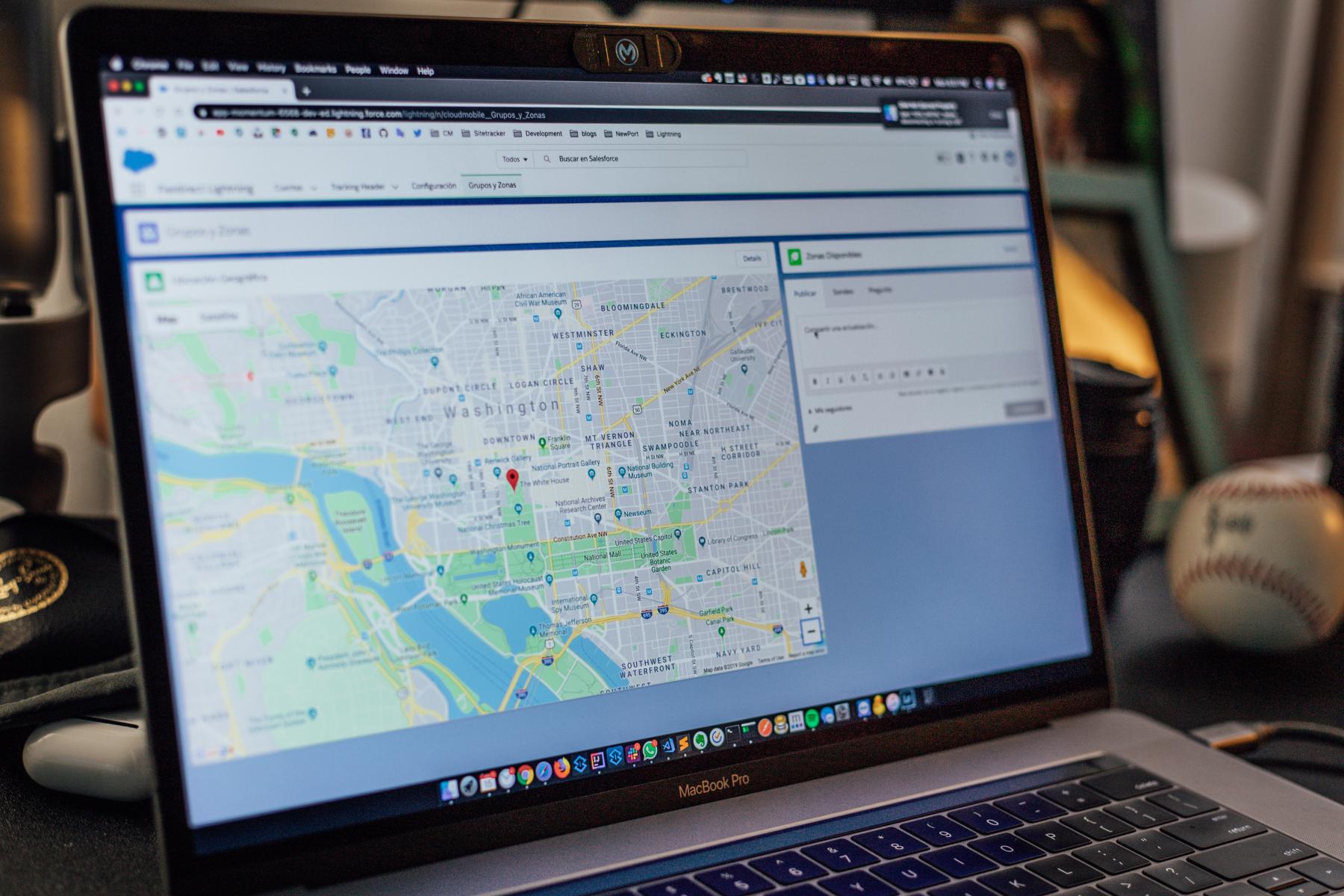
Google Street View - a virtual tour of your business
Street View is a panoramic presentation of our surroundings in Mapach Google, consisting of millions of spherical photos. They are taken by Google employees and collaborators using cameras mounted on cars, and even... snowmobiles. In this way, an online library of Street View photos is created, showing views of individual neighborhoods, streets, houses, and urban objects. But what if the Street View team hasn't reached your city yet, and you want to be present in the local awareness? Soon, you will be able to offer your customers a virtual tour of your own business and its surroundings.
Google will allow users to share their own Street View from an interesting location. You don't even have to invest in professional devices, such as 360-degree cameras - all you need is an Android smartphone with ARCore support. Your only task will be to take photos while moving along a certain road or in a place of interest to you. The Google algorithm will take care of the rest, creating a series of connected photos and placing them in the specified location.
Benefits of publishing Street View photos
This solution will certainly contribute to updating maps, but above all, it opens up huge opportunities for business promotion. The view of the surroundings, nearby streets, or distinctive buildings will help customers locate your business. This way, we can allow consumers to take virtual tours of our office, showing that we have nothing to hide. If, on the other hand, you have a prowadzisz store or restaurant and want to satisfy customers' curiosity, let them take a look inside your business.
A virtual tour will certainly stimulate customers' imagination and have a positive impact on customer experience. Currently, the beta version is being tested in several countries, but it is still unknown when the feature will be available in Poland. It's worth looking out for this solution because the tool can find wide application in business positioning. Similar effects can be achieved with the Rating Captain app, which will improve your website's position in search results.
Share this article
Short description (you can edit)
Tip: you can edit the description before sharing on WhatsApp or adding as Facebook quote
Author of the post
Please rate this article
Try our new
Local SEO tool
Manage and track visibility of your
Google Business Profiles